API tokens, CLI & exports
Personal access tokens, the Diffbridge CLI for pipelines, and CSV/JSON report exports.
Everything in Diffbridge has a REST API. Scripts, CI systems and the Diffbridge CLI call it with a personal access token.
Personal access tokens
Create one in Settings → API tokens → New token:
- Name: where it's used, such as GitHub Actions.
- Access: Read only, Compare and deploy, Admin or Owner. A token never does more than its owner's role at the moment it's used: if your role is lowered to viewer, your deploy tokens become read-only too.
- Expires: 7, 30 or 90 days, a year, or never.
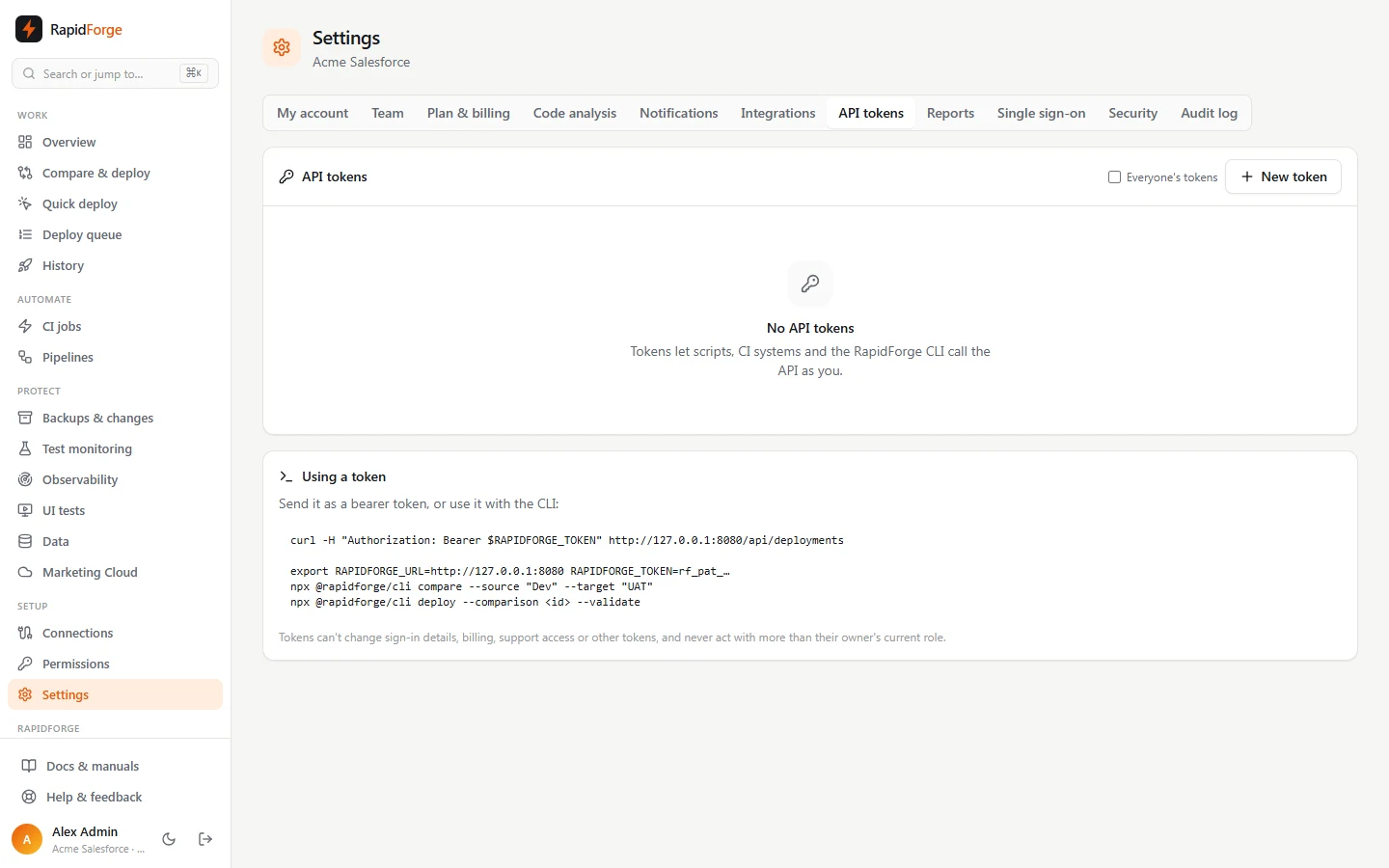
The token (it starts with rf_pat_) is shown once. Diffbridge stores only a hash of it. Send it as a
bearer token:
curl -H "Authorization: Bearer $RAPIDFORGE_TOKEN" https://rapidforge.example.com/api/deployments
Tokens can't change sign-in details, billing, support access or other tokens, and can't reach the admin panel. Everything done with a token shows in the audit log and on deployments as Your Name (API token: GitHub Actions). The token list shows when each one was last used. Admins can tick Everyone's tokens to see and revoke any token in the workspace.
The workspace IP allowlist applies to tokens too.
The Diffbridge CLI
The CLI wraps the API for pipelines. Build it from the repository with npm run build:cli, then:
export RAPIDFORGE_URL=https://rapidforge.example.com
export RAPIDFORGE_TOKEN=rf_pat_…
rapidforge whoami
rapidforge orgs
Compare and deploy
rapidforge compare --source "Dev Sandbox" --target "UAT" --types ApexClass,Flow
rapidforge deploy --comparison cmp_… --validate --tests RunLocalTests
rapidforge deploy --comparison cmp_… --only new,changed,deleted
A source is an org name or id, or git:<repository>@<branch>. deploy waits for the deployment to
finish and prints its errors. Add --no-wait to return straight away, and --json to any command
for machine-readable output.
CI jobs and status
rapidforge ci list
rapidforge ci run "Validate main → UAT"
rapidforge status dep_… --wait
Exit codes
| Code | Meaning |
|---|---|
| 0 | Success, or the deployment is waiting for approval or its schedule |
| 1 | The deployment, validation or CI run failed |
| 2 | Wrong usage, bad token, missing permission, or Diffbridge unreachable |
Report exports
Settings → Reports downloads CSV or JSON for a date range and, optionally, one org:
- Deployments: every validation and deployment with its target, source, component count, test level, errors, trigger, who started and approved it, and how long it took.
- CI runs: the deployments started by CI jobs, with the job name.
- Unit test runs and UI test runs.
- Audit log (admins only).
The same exports are at GET /api/reports/<kind>?format=csv&from=2026-01-01&to=2026-02-01, or with
the CLI: rapidforge report deployments --from 2026-01-01 > deployments.csv. Text that a spreadsheet
would treat as a formula is prefixed with a quote, so exports are safe to open in Excel.